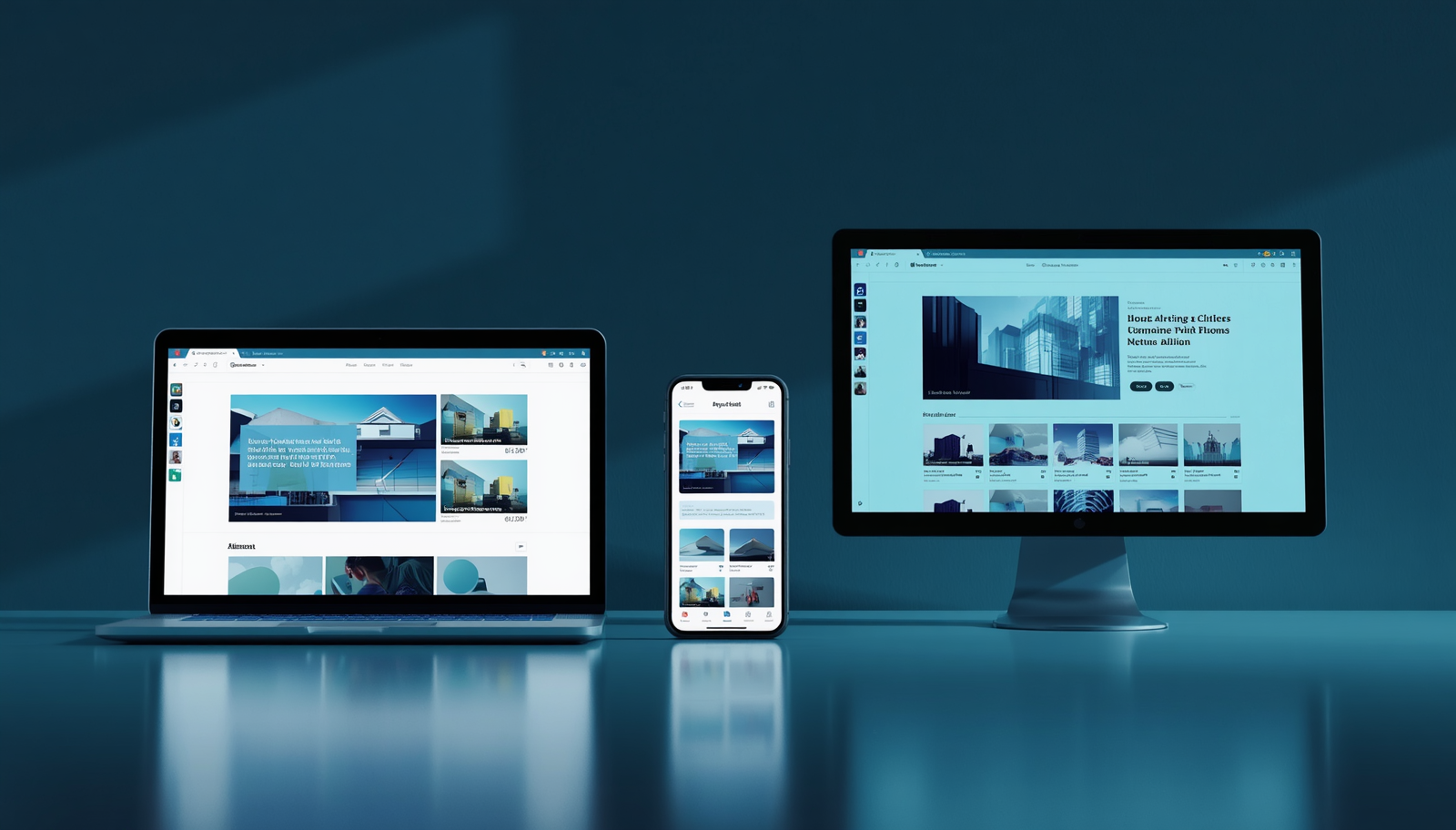
You've got a business problem to solve — something that needs a digital solution. Maybe it's a clunky manual process you want to automate, a service you want to offer customers online, or an internal tool your team desperately needs. Someone tells you to "just build an app."
But which kind?
Web app? Mobile app? Desktop app? The terms get thrown around interchangeably, but they are fundamentally different products — with different costs, different strengths, and different audiences. Choosing the wrong one doesn't just waste your development budget; it can mean building something your users won't adopt, or a system that can't scale with your business.
In this guide, we're going to cut through the confusion and help you make the right call.
First, Let's Define the Three
Before comparing them, it's worth being precise about what each one actually is — because a lot of people don't realise they're different things.
What Is a Web App?
A web application runs in a browser. You access it via a URL (like app.yourbusiness.com), and it works on any device with a browser and internet connection — phone, tablet, laptop, desktop. There's nothing to download or install.
Examples you already use: Gmail, Google Docs, Trello, your online banking portal, and yes — this website you're reading right now.
Web apps can range from a simple contact form to a complex multi-user platform with dashboards, databases, APIs, and real-time data.
What Is a Mobile App?
A mobile app is software installed on a smartphone or tablet. It lives on your home screen, downloads from the App Store (iOS) or Google Play Store (Android), and is built specifically for mobile interaction — touch gestures, camera access, GPS, push notifications, and offline capability.
Examples: WhatsApp, Uber, Instagram, your bank's app, and most of the icons on your phone right now.
Mobile apps can be native (built separately for iOS and Android) or cross-platform (one codebase that runs on both, using tools like Flutter or React Native).
What Is a Desktop App?
A desktop application is installed software that runs directly on a computer — Windows, macOS, or Linux. It doesn't need a browser, and it can operate entirely offline. It integrates tightly with the operating system and can access hardware resources like processors, storage, printers, cameras, and peripherals.
Examples: Microsoft Word, Adobe Photoshop, Xero accounting software, and most professional tools used in industries like engineering, healthcare, and finance.
How They Compare: Side by Side
| Factor | Web App | Mobile App | Desktop App |
|---|---|---|---|
| Runs on | Any browser | iOS / Android | Windows / macOS / Linux |
| Internet required | Usually yes | Often no (offline capable) | Usually no |
| Installation required | No | Yes | Yes |
| Access to device hardware | Limited | Strong (camera, GPS, etc.) | Very strong |
| Push notifications | Limited | Yes (native) | Yes |
| Performance | Moderate | High | Highest |
| Update process | Instant (server-side) | App store approval required | Manual or auto-update |
| Development cost | Moderate | Moderate to High | Moderate to High |
| Reach / Accessibility | Widest (any device) | Mobile users only | Desktop users only |
| Maintenance | Centralised | Platform-specific | Platform-specific |
When a Web App Is the Right Choice
A web app makes sense when your primary goal is broad accessibility — you want anyone, on any device, to be able to use your product without barriers like downloading an app or owning a specific device.
Web apps are ideal when:
You're serving a wide, diverse audience. If your customers range from someone on a cheap Android phone to a business owner on a MacBook, a web app reaches everyone equally. No one has to go to an app store.
You need fast iteration and updates. Web apps update instantly — you push a change to the server and every user is on the new version immediately. No waiting for App Store approval, no users running outdated versions.
Your product is content-heavy or dashboard-driven. Admin panels, analytics dashboards, booking systems, CRMs, customer portals, and reporting tools are all naturally suited to a browser environment where screen real estate is generous and data is easy to display.
You want to launch quickly and validate an idea. A web app is typically faster and cheaper to build and iterate on than a native mobile or desktop app. It's the natural starting point for startups and MVPs.
Your users are working from multiple devices. If a user needs to start something on their phone and finish it on their laptop, a web app handles this seamlessly since everything lives in the cloud.
Real-world examples where a web app fits:
- A booking system for a salon or clinic
- A customer portal where clients can view invoices, quotes, and project progress
- An e-commerce platform
- An internal HR or project management tool for a team
- An educational platform where students access lessons and submit work
When a Mobile App Is the Right Choice
A mobile app makes sense when the experience is inherently mobile — when your users are on the go, when you need to reach them proactively, or when your product needs to tap into phone hardware that a browser simply can't access as well.
Mobile apps are ideal when:
You need push notifications. This is one of the biggest differentiators. A mobile app can send a notification directly to a user's lock screen — a web app cannot do this reliably. For a delivery business, a food ordering platform, or a customer loyalty app, push notifications are essential.
Your users need offline access. Mobile apps can store data locally and function without an internet connection — syncing when connectivity is restored. This is critical for field workers, delivery drivers, or anyone in areas with unreliable data.
You need deep device integration. Camera (document scanning, QR codes, photos), GPS (location tracking, delivery routing), biometrics (fingerprint login), Bluetooth, and accelerometer data are all far more accessible and reliable through a native mobile app.
Your product is a frequent, habitual experience. Apps that people use daily — a fitness tracker, a loyalty card, a taxi service, a social platform — benefit enormously from living on the home screen. The friction of opening a browser is small, but it's real, and it compounds over time.
You're building for a mobile-first market. South Africa is a mobile-first country. A significant portion of your potential users access the internet primarily — or exclusively — via their smartphones. In many consumer-facing businesses, a mobile app isn't just an advantage; it's an expectation.
Real-world examples where a mobile app fits:
- A delivery or logistics tracking app
- A customer loyalty and rewards programme
- A field service management tool for technicians on-site
- A retail app with QR code scanning and in-store features
- A health and fitness tracking application
- A church or community app with event updates and push alerts
When a Desktop App Is the Right Choice
Desktop applications are sometimes dismissed as old-fashioned in an era of cloud software and mobile-everything — but that perception is wrong. For many industries and use cases, a desktop app isn't just viable; it's the best choice. (We wrote a whole post on this — Why Desktop Apps Still Matter in 2026.)
Desktop apps are ideal when:
Performance is non-negotiable. Desktop apps run directly on the machine's processor without the overhead of a browser. For tasks like video editing, 3D rendering, large-scale data processing, or complex simulations, desktop is still king. No web or mobile app can match the raw performance.
You're working offline or in low-connectivity environments. Desktop apps don't need the internet to function. In environments where connectivity is unreliable — remote sites, manufacturing floors, rural areas — a desktop app keeps working uninterrupted.
You need deep integration with the operating system or hardware. Printers, scanners, specialised hardware devices, local file systems, and external peripherals are all far more accessible from a desktop application. Industries like healthcare (medical devices), logistics (barcode scanners), and finance (receipt printers) rely on this.
You handle sensitive data that shouldn't live in the cloud. Legal firms, accounting practices, medical offices, and government departments often have strict requirements about where data lives. A desktop application can keep everything local — no cloud exposure, full organisational control.
Your users are power users who spend hours in the software daily. When someone uses a tool for 6–8 hours a day, the keyboard shortcuts, performance responsiveness, and deep OS integration of a desktop app make a significant difference to productivity.
Real-world examples where a desktop app fits:
- An accounting or payroll system for a business that wants data stored locally
- A point-of-sale (POS) system that connects to a cash drawer, barcode scanner, and receipt printer
- A school or clinic management system in an area with poor connectivity
- Professional creative tools (design, video, audio editing)
- An inventory management system for a warehouse or retail store
What About Progressive Web Apps (PWAs)?
There's a fourth option worth mentioning: Progressive Web Apps (PWAs). A PWA is a web app that's been enhanced to behave like a mobile app — it can be installed on a home screen, send push notifications, and work offline to a degree.
PWAs are a great middle ground for businesses that want a web-first approach but need some mobile-like features without the cost of building a full native app. They're faster and cheaper to build than a native mobile app, and they're cross-platform by default.
PWAs are worth considering when:
- You have a web app and want to give mobile users a better, more app-like experience
- Your budget doesn't stretch to both a web app and a native mobile app
- Your mobile use case is relatively straightforward (no deep hardware access needed)
PWAs have limitations though — they can't match the full depth of native mobile hardware access, and iOS has historically been more restrictive about what PWAs can do compared to Android.
What If You Need More Than One?
Many businesses ultimately need a combination — and that's completely normal. The key is sequencing it correctly so you don't overspend early.
A common and smart progression:
- Start with a web app — validate your product, onboard early customers, and generate revenue
- Add a mobile app — once you have traction and understand your users' mobile needs
- Consider a desktop app — if power users emerge who need offline or high-performance tools
Building everything at once before you've validated your product is one of the most expensive mistakes a startup or SME can make. Solve the most important problem first, then expand.
A Simple Decision Framework
Still unsure? Work through these questions:
1. Who are your users, and how will they access your product?
- Mostly on phones → Mobile app or PWA
- Mix of devices → Web app
- Primarily on computers, especially for intensive work → Desktop app
2. Do you need push notifications or offline access?
- Yes → Mobile app (or PWA for basic needs)
- No → Web app is probably sufficient
3. Does your solution need to integrate with device hardware (camera, GPS, printer, scanner)?
- Camera/GPS/biometrics → Mobile app
- Printer/scanner/POS hardware → Desktop app
- Neither → Web app
4. How important is raw performance?
- Critical (video, processing, simulations) → Desktop app
- Important but manageable → Mobile app
- Standard → Web app
5. Where does your data need to live?
- Cloud, accessible from anywhere → Web app
- On-device, for offline or privacy reasons → Mobile or Desktop app
6. What's your budget and timeline?
- Tightest budget, fastest launch → Web app
- Need mobile-specific features → Mobile app (cross-platform saves cost)
- Specific desktop/hardware need → Desktop app
How Culfint Can Help
At Culfint, we build all three — and we've helped businesses across South Africa figure out exactly which solution makes sense for their context, their users, and their budget. We don't have a preferred platform; we have a preferred outcome — building something that works, scales, and solves the right problem.
Whether you need a clean web portal, a cross-platform mobile app, or a powerful desktop system, we'll walk you through the discovery process and make sure you're investing your development budget in the right direction.
Here's how to get started:
👉 Request a Free Consultation 👉 Explore Our Services 👉 Chat with us on WhatsApp 📧 info@culfint.com
The Bottom Line
| If you need… | Choose… |
|---|---|
| Broad accessibility across all devices | Web App |
| Push notifications & on-the-go usage | Mobile App |
| Offline reliability & hardware integration | Desktop App or Mobile App |
| Maximum performance & local data control | Desktop App |
| Fast launch with limited budget | Web App (then expand) |
| The best of web + some mobile features | Progressive Web App (PWA) |
There's no universal right answer — only the right answer for your business. The most important thing is making that decision based on your users, your use case, and your goals — not on what's trendy or what a developer happens to specialise in.
Get that decision right, and everything else becomes easier.
Culfint — Innovating Tomorrow's Tech, Today. Based in Tzaneen, Limpopo. Serving businesses across Southern Africa.
